Healthy meals in Dwarka. Made for your everyday.
Food you love, portions that support your goals. Deepshikha cooks every meal fresh in her own kitchen, with personal attention to how you eat. Try a full day of meals for ₹1,199.
 KD
KDHer kitchen. Your goals. Food worth looking forward to.
Deepshikha started Healthy Meal Pro to make healthy eating feel personal: freshly cooked food, measured portions and flavours you want to come back to.
Recognised for Culinary Excellence at the Superwomen Excellence Awards 2026, she brings that care to the meals she prepares for you.
Healthy shouldn't look boring.
Familiar favourites, thoughtfully portioned. Illustrative meal images; your dishes and portions are confirmed before you book.
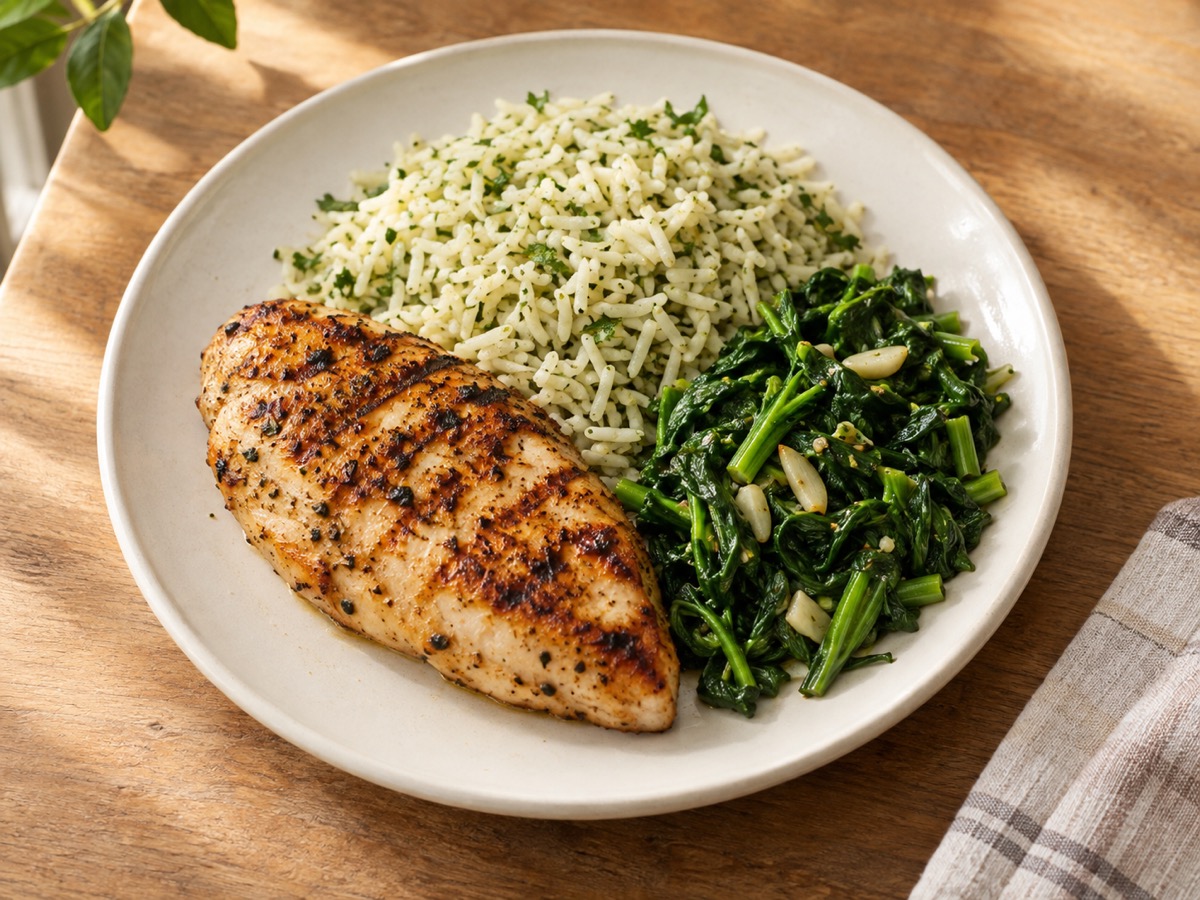
Grilled chicken, herbed rice & greens
Breast fillet charred on the flat-top, rice tossed through with herbs and brown butter, garlic greens.
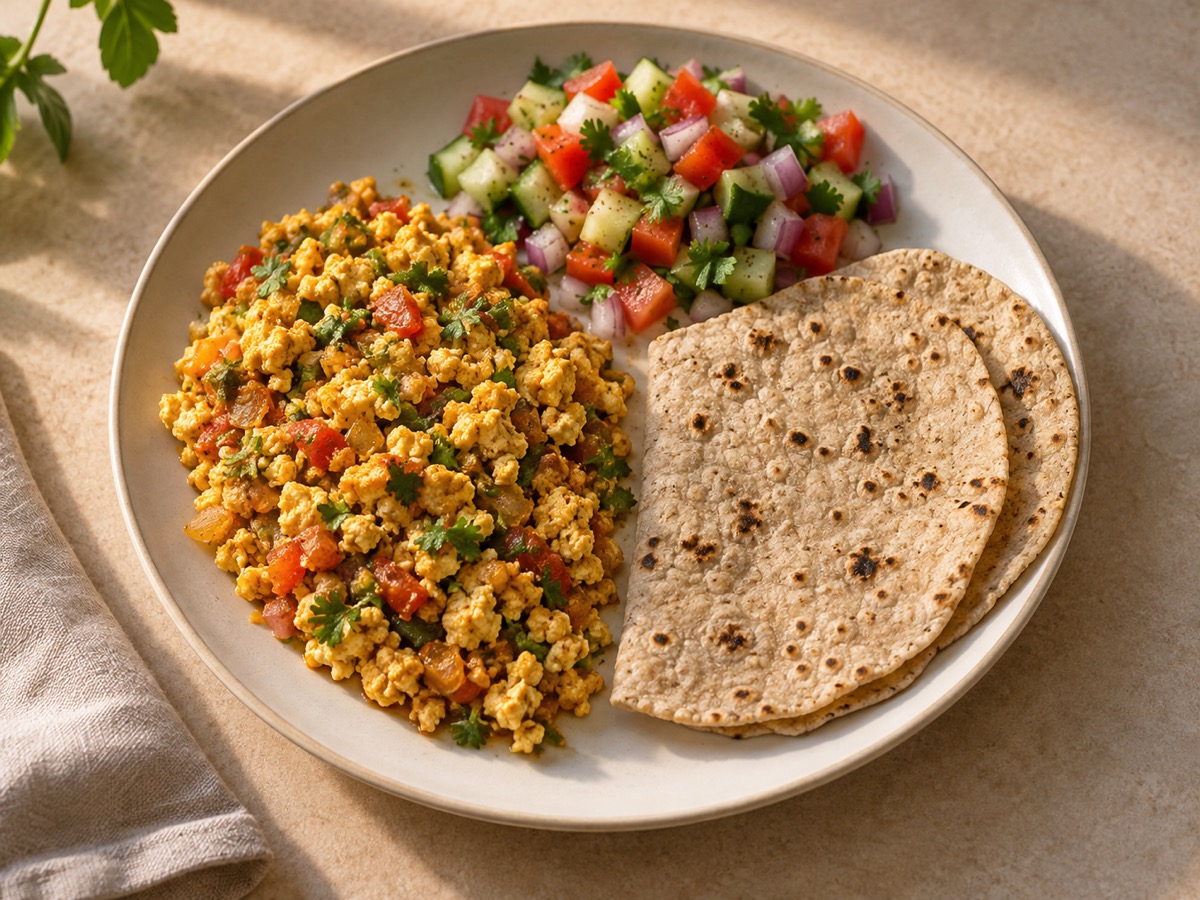
Paneer bhurji, jowar roti & salad
Paneer crumbled by hand into an onion-tomato masala, two soft jowar rotis, sharp kachumber.
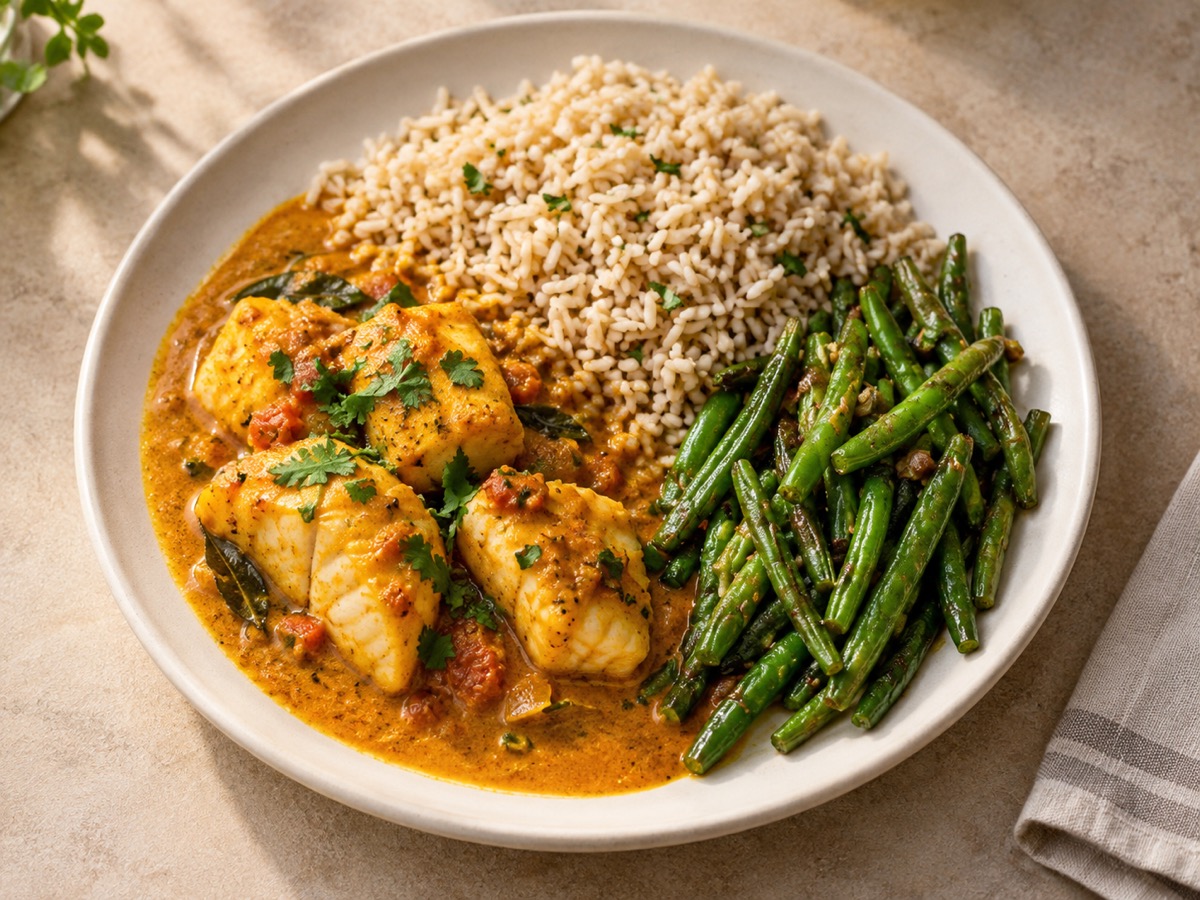
Fish curry, brown rice & beans
Coastal-style basa in a light coconut curry, tangy with kokum, brown rice, stir-fried beans.
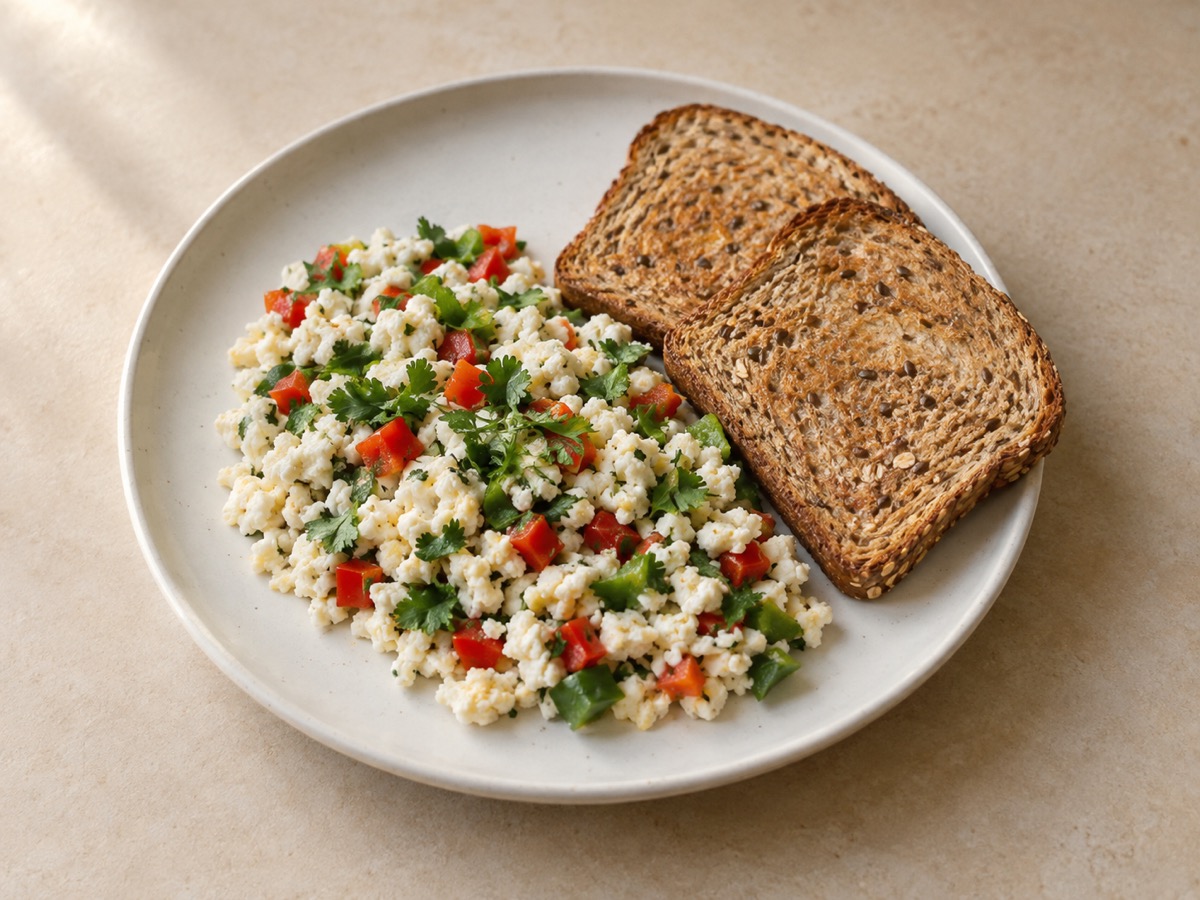
Egg white bhurji & multigrain toast
Six whites folded with peppers and coriander, cracked black pepper, two slices of multigrain.
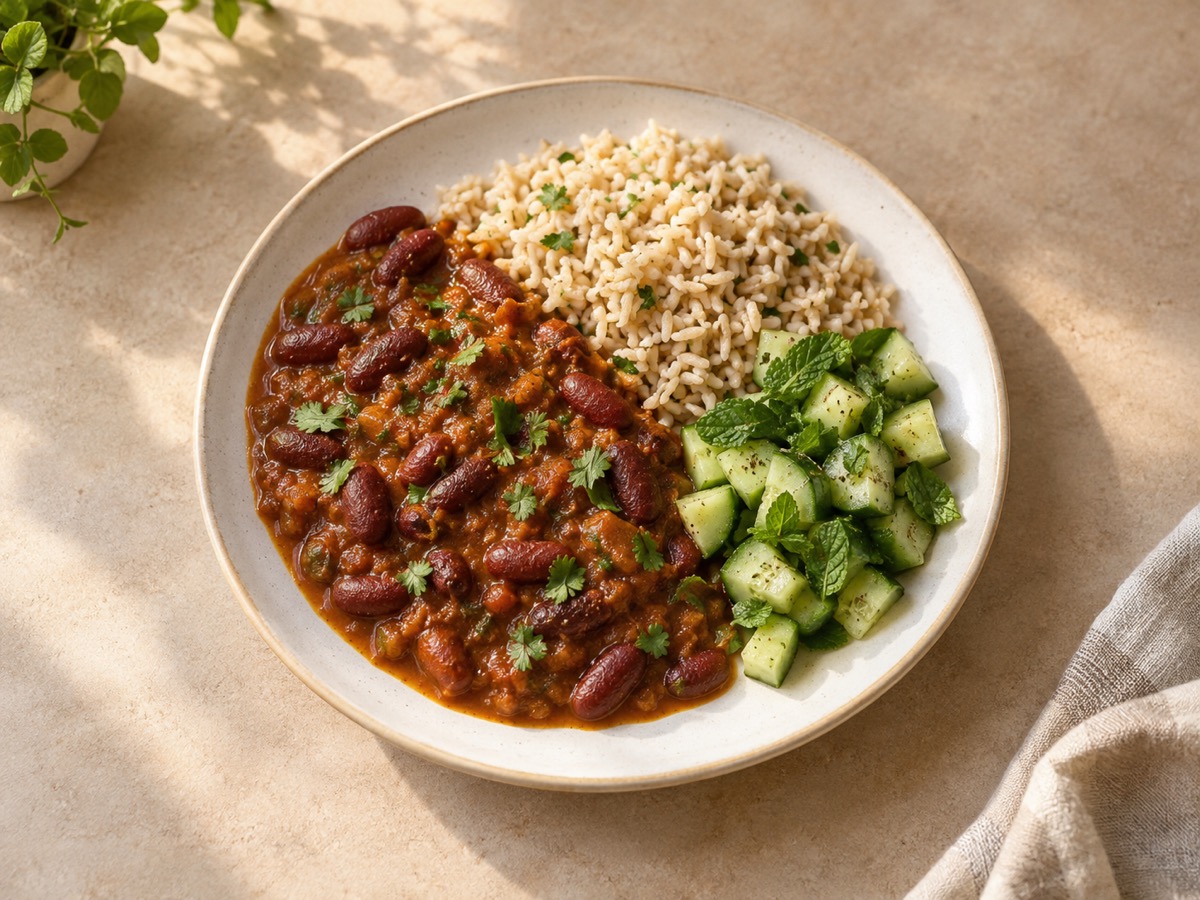
Rajma, brown rice & cucumber salad
Kidney beans slow-cooked until the gravy thickens on its own, brown rice, cucumber and mint.
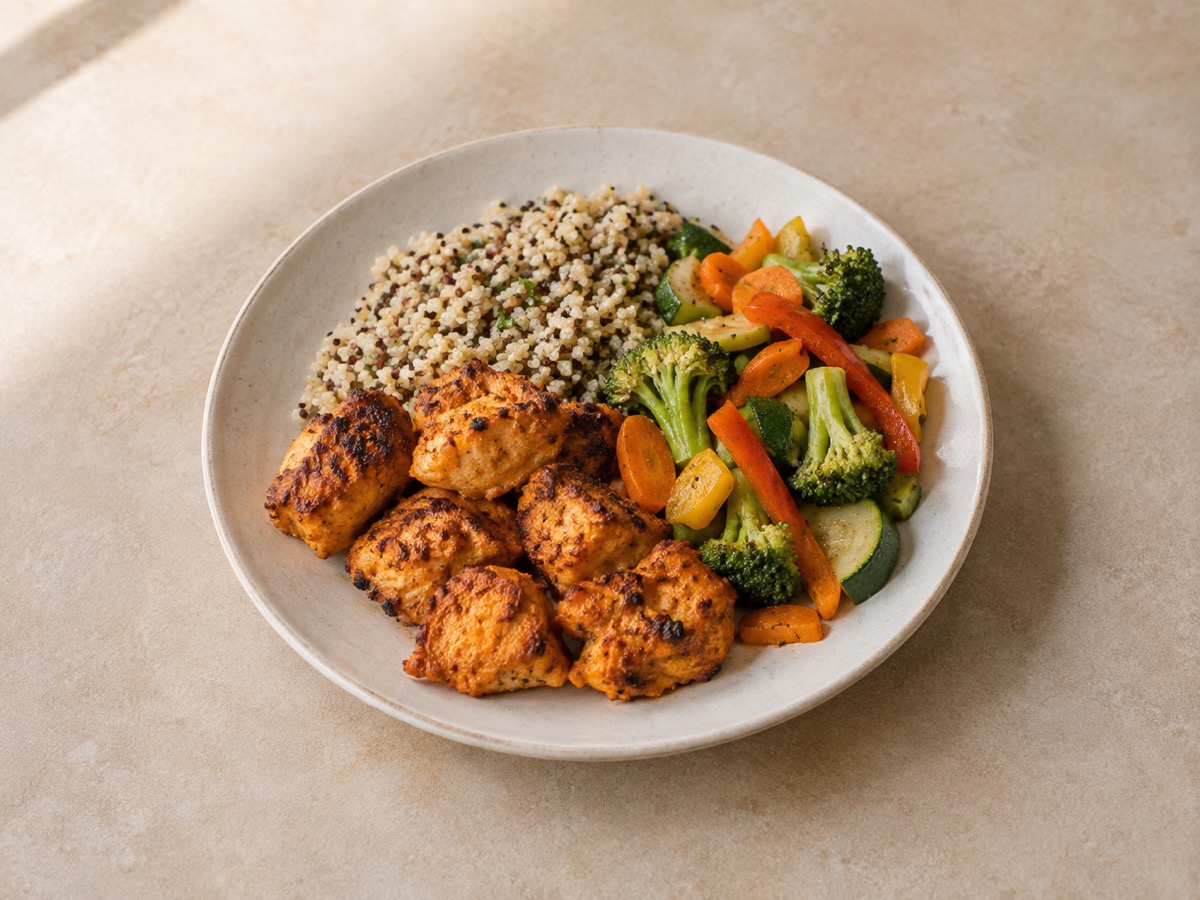
Chicken tikka, quinoa & sautéed veg
Yoghurt-and-spice marinade overnight, smoky off the skewer, lemon quinoa, seasonal vegetables.
One day. Three meals. No long-term commitment.
Eating well is easy to plan. Harder to repeat every day.
One healthy lunch is easy. Doing it again tomorrow is where it falls apart.
So you order in instead, and you're straight back to guessing. Nobody tells you how much oil went in, or whether the protein is really there. And the healthy option usually tastes like a punishment.
That's the part we take off your plate.
Which one of these is you?
Everyday meals, weight management, training or existing dietary guidance: choose your starting point. We will agree the portions and preferences with you before cooking.
Everyday Healthy
Everyday meals, taken care of.
Enjoy a regular, balanced meal routine without planning and cooking every day.
Fat Loss
Controlled calories, protein kept high.
Build a consistent routine with measured portions and food you enjoy.
Muscle Gain
Protein-focused meals for your training routine.
Support your training with satisfying meals and protein portions you can track.
Clinician-Guided Meals
Prepared around your existing clinician’s dietary advice.
Share your doctor’s or dietitian’s dietary recommendations. Deepshikha confirms what the kitchen can prepare before you book.
Deepshikha agrees your portions and preferences, then prepares suitable dishes from the rotating menu.
We remember more than your name.
Too spicy? Loved the sauce? Prefer a little less rice? Hate broccoli? Tell us. We keep the kitchen structured, but the more we cook for you, the better we understand what works for you.
Every box is sealed and labelled with your name, the meal, and what went into it — down to the 8 g of oil. Example shown; yours carries your own numbers.
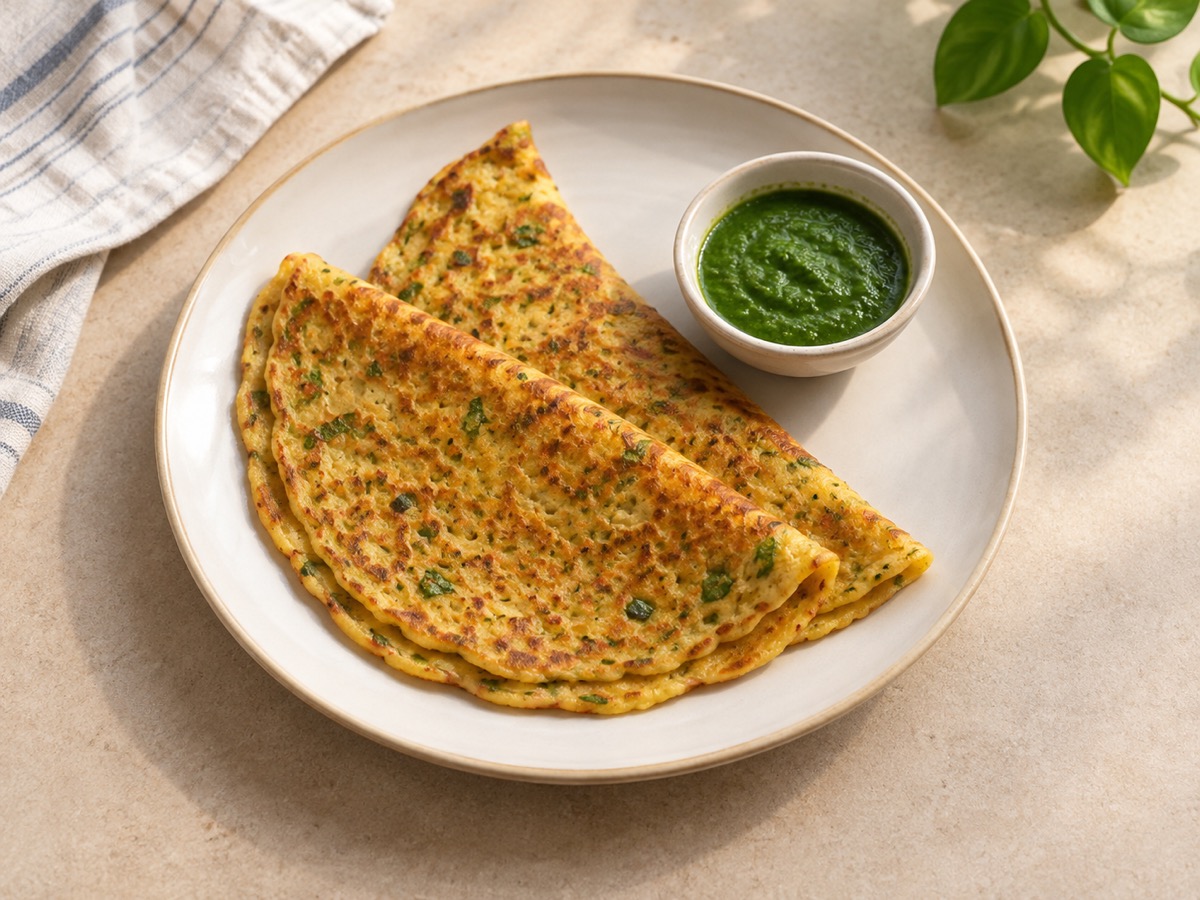
Taste is part of the plan
Calories matter. Protein matters. So does the fact that you have to sit down and actually eat this.
Deepshikha's view is that you fix the nutrition by cooking better, not by stripping out everything that made the food worth eating. She works on the whole dish:
Making it healthier is the easy half. The hard part is whether you'd want it again tomorrow.
One good meal won't change much. Your routine can.
One perfect meal proves nothing. What counts is the one you'll still be eating in week six.
That's why we fuss about taste. Food you don't enjoy is food you quit.
How it works
Tell us how you eat
Share your goal, food preference and favourite flavours. Deepshikha helps you choose a starting point that fits your day.
Confirm your trial day
We agree your three meals, delivery slot and requirements before payment.
Freshly cooked and weighed
Deepshikha prepares your meals, weighs the portions and labels the ingredients and calculated nutrition.
Enjoy a full day. Then decide.
See how the food fits your appetite and routine before choosing a 7-, 15- or 30-day plan.
Open the box and the numbers are on it.
Know what you’re eating: ingredients, weighed portions, calories and macros calculated for the food in your box. Less guesswork when you’re following a goal.
Know what is in your meal
Portions you can plan around.
- Ingredients and portion weights
- Calculated calories and macros
- Storage and reheating guidance
We weigh ingredients and portions. Nutrition values are calculated estimates, with natural variation between ingredients.
Personal attention, from the person cooking your meals.
Deepshikha runs Healthy Meal Pro from her own kitchen in Dwarka. Keeping enrolment limited gives her time to understand your preferences and oversee every meal.
Deepshikha cooks every meal
From choosing ingredients to weighing your portions, she keeps the preparation in her own kitchen so quality stays in her hands.
A direct conversation
Share your preferences and feedback directly with Deepshikha. The person listening is the person preparing your food.
Variety you can look forward to
A rotating menu brings familiar flavours and different dishes to your week, with your food preference and agreed portions kept in mind.
We remember what you said
Your spice level, favourite dishes and ingredients to avoid stay on your profile, so your feedback shapes future meals.
Memberships are limited to protect the care each customer receives. Your place and delivery slot are confirmed before payment.
Made in Dwarka. For people in Dwarka.
Your meals are prepared and delivered within Dwarka. A local kitchen, a familiar contact and a routine built around your day.
Send us your address and we'll confirm your delivery slot.
Healthy Meal Pro, in plain terms
The whole service in seven lines, for anyone who would rather not read a website end to end.
- What it is
- A healthy meal delivery and daily tiffin service cooking fresh Indian food to order. Breakfast, lunch, dinner and a snack — one meal a day or all of them.
- Who cooks it
- Deepshikha Gaur personally runs the service and cooks every meal in her own kitchen in Dwarka.
- Where we deliver
- Across Dwarka, New Delhi. We cook in Dwarka and deliver across Dwarka only.
- Delivery times
- The trial’s breakfast, lunch and dinner arrive together in one slot, confirmed before payment. Need separate intervals? Discuss them with Deepshikha before booking. Regular-plan delivery details are on the Delivery page.
- What it costs
- The one-day, three-meal trial is ₹1,199 with Dwarka delivery included. Longer plans offer one, two or three meals per delivery day; all prices are on the Plans page.
- Food preferences
- Vegetarian, vegan, egg and non-vegetarian, with your own spice level and a note of anything you would rather avoid.
- How you order
- Choose your preferences and send the prepared WhatsApp request. Deepshikha confirms your meals, address, delivery slot and payment details.
- Commitment
- Start with one day. Longer plans are optional and never renew automatically. Pause and cancellation terms are on the Refunds page.
Questions people ask before starting
Is this only for people who go to the gym?
Healthy Meal Pro is for everyday eating, weight management and muscle-building routines. Your food preference, appetite and goals help shape your agreed portions.
Does healthy mean bland?
Flavour is part of the plan. Deepshikha uses spices, marinades and thoughtful cooking to make meals you can enjoy daily. The one-day trial lets you taste the food and see how the portions suit you.
Do I need to count calories?
We do the measuring. Your meal includes ingredient and portion-weight information, with calculated calories and macros, so you can track your intake when it helps your goal.
Is every meal completely customized?
We agree your portions, dietary preference, spice level and supported ingredient preferences, then select suitable dishes from the rotation. Share allergies or clinician guidance before booking so Deepshikha can confirm suitability.
How many meals a day can I have?
The trial gives you breakfast, lunch and dinner on one day. Afterwards, choose one, two or three meals per delivery day on a longer plan.
Do you deliver everywhere in Dwarka?
We serve Dwarka. Share your sector or society and Deepshikha will confirm availability and your delivery slot before payment.
Three meals. One day. Your decision.
Taste the food, check the portions and experience a day with Healthy Meal Pro before making it part of your week.
- No monthly commitment
- No automatic renewal
- Same kitchen standards as regular members